
How to switch gym management software without disrupting your business
October 7, 2026
1
minutes
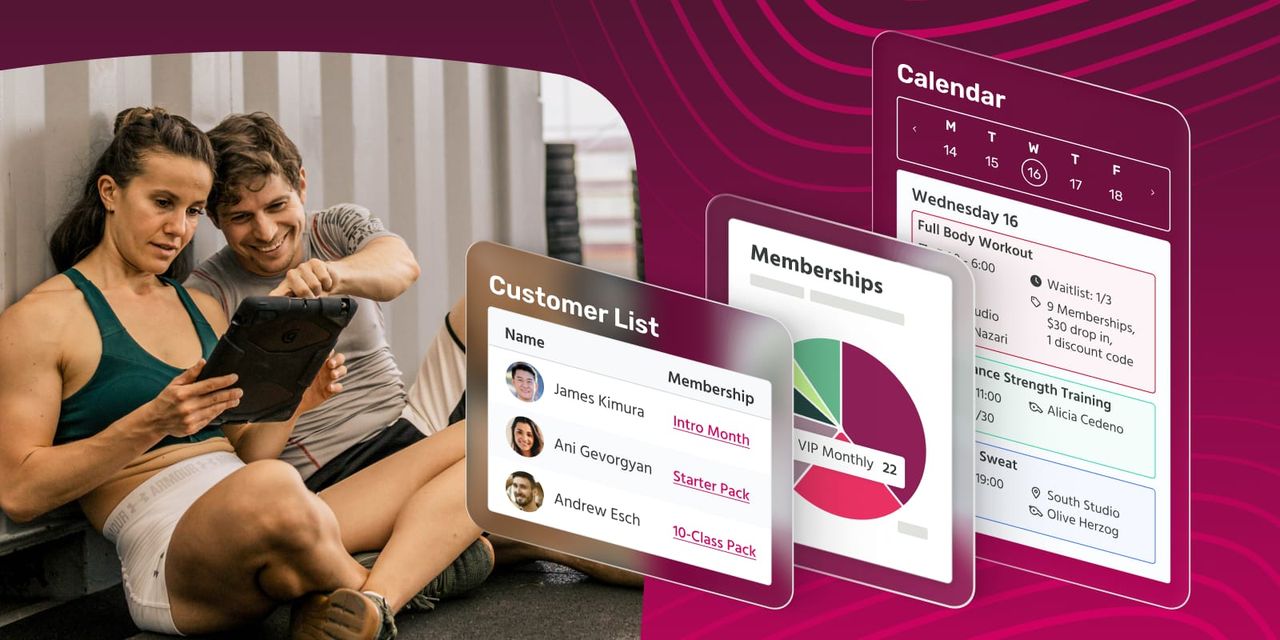
Deciding you want to switch gym management software is the easy part. Most gym and fitness studio owners learn quickly they picked the wrong platform and need to level up to a new one, especially if they are frustrated by clunky scheduling, a support team that goes quiet, fees that don't match the features you're getting, or even spending too much on features you don’t need.
The harder question: How do you change your gym’s software without members noticing, payments dropping, missed bookings, or confusing your team?
Switching platforms doesn't have to be disruptive. But like training for a marathon or your next boxing competition, you need a strategy in place. With the right plan, you can migrate your memberships, schedules, and payment data in the background while your gym keeps running.
Below, we'll walk through what to look for in new software, how to plan the actual switch, and how to get your team and members up and running with as little friction as possible.
Software for gym management
Before you switch your gym management software, get clear on what "better" actually looks like for your business. Software for gym management should bring scheduling, bookings, memberships, payments, and member communication (e.g., email) into one system, not add another login to your already crowded tech stack.
As you compare options, look past the sales page and ask a few practical questions:
- Can the platform replace your current system's core functions, or will you still need a workaround for scheduling, payments, or reporting?
- Does the pricing scale with your active customer count, or will you be locked into an enterprise rate built for a much bigger gym?
- What does onboarding and support look like in the first 30 days, when your team is still learning the new dashboard?
- Does the solution offer easy-to-use tools to customize apps and website pages, so your brand is everywhere and members can book on their phones?
Make sure the new gym manage software checks all the right boxes for your business. No one wants to replace their software for a third-time.
Software for gyms
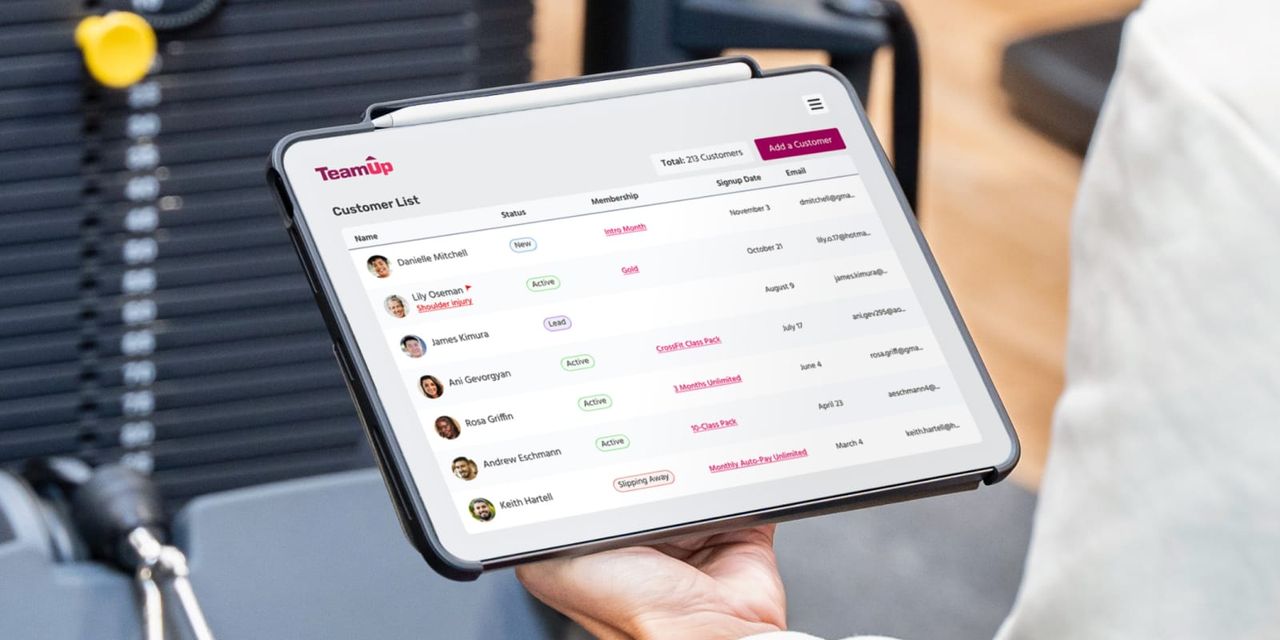
Not every fitness business runs the same way. A yoga studio focused on the spiritual has different needs than a CrossFit gym where members aim for a personal best (and love to watch the scoreboard). A big-box gym with drop-in access needs can feel like a different universe when compared to a martial arts school tracking belt progressions.
When you're switching software for gyms, landing on the right fit matters. The right platform for your specific type of gym should already support the membership structures, class formats, and check-in methods you rely on, so your migration doesn't require rebuilding your entire operation from scratch.
If your new provider offers dedicated setups for gyms, studios, and specialty fitness businesses, the switch itself becomes a matter of importing your existing structure. That way, you can avoid re-designing from scratch.
Gym and fitness management software
Once you've picked a platform for your gym or studio, the real work of switching is making sure your gym and fitness management software includes everything you're using in your current system, plus room to grow.
When gym owners fail to make a successful switch, it’s because they focused on one new feature without looking at the full picture. If your current system handles payments but not bookings, you will make life more difficult for yourself if you choose a new platform that handles bookings, but not payments or memberships.
Before you commit to a cutover date, confirm the new software supports:
- Your existing membership types, whether that's recurring plans, class packs, prepaid credits, or family-shared memberships.
- Your current payment processors, or a clear plan for connecting new ones like Stripe or GoCardless.
- Communication tools for email, SMS, and other channels, so you can message members proactively during the switch instead of leaving them to figure it out on their own.
Asking the right question about your gym’s needs before choosing your software means your team isn't relearning your entire operation and your new platform at the same time.
Gym management software: Migration time
Migrating gym management platforms is the most stressful part of your job, but the best platforms take on the heavy lifting for you.
Most reputable platforms offer a dedicated import process where they extract your existing customer data (contact details, memberships, packs, and payment information) directly from your old system or a spreadsheet, so you're not manually re-entering hundreds of member profiles.
Our overview of switching to TeamUp walks through exactly how this works: their team handles the data extraction, sets a go-live date around your notice period with your current provider, and won't send a single invite to your members until you give the green flight to start running.
If you're coming from a specific platform, look for switching guidance built around it. TeamUp's guide for switching to TeamUp from Mindbody, for example, spells out exactly what data transfers automatically and what needs to be set up manually on the new side. This removes a lot of the guesswork gym owners run into when they assume every migration works the same way.
A few things that make this stage go smoothly:
- Time your cutover so billing ends with your old provider right as it begins with the new one, avoiding any double charges or gaps.
- Cancel classes in your old system after your go-live date, so members can't accidentally book in two places at once.
- Enable your team and employees about the switch before it occurs
- Give your team a heads-up before members know about the switch, so staff can answer questions confidently instead of learning about the switch alongside your customers.
Fitness gym management software
Enabling your admin team
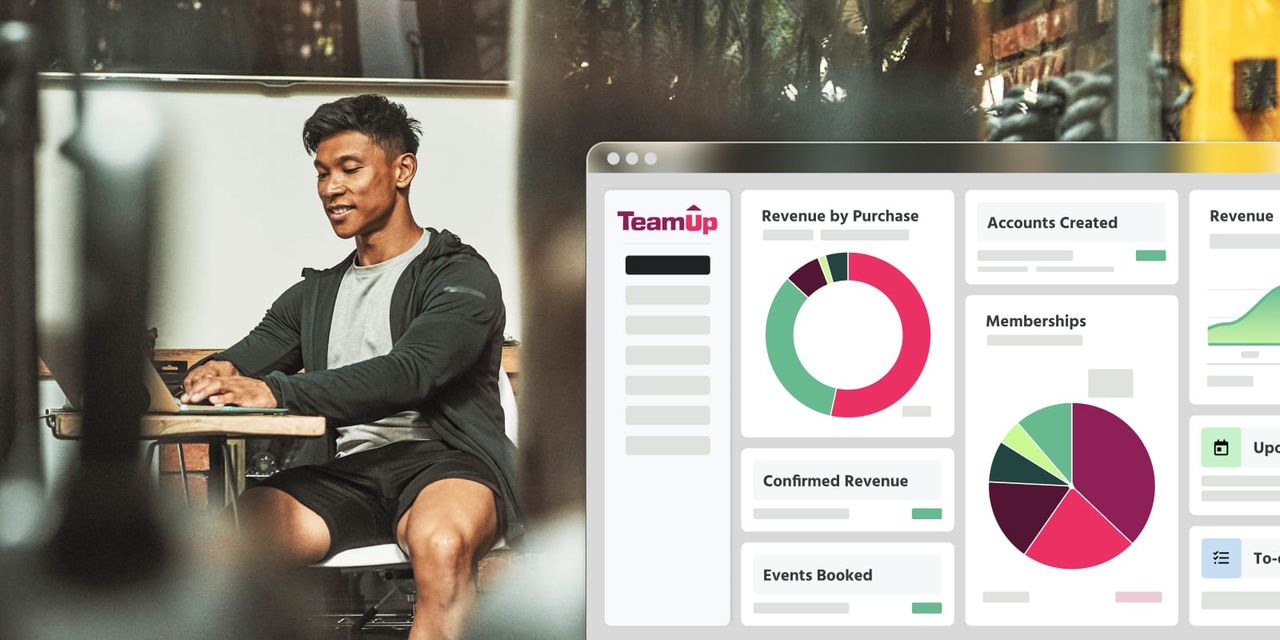
Once the migration is done, the goal shifts from "get all booking and member data moved over" to "make sure everyone on your admin team actually knows how to use the new features, especially for communications and billing."
Start by giving your staff time with the new dashboard before you go live, so they're not learning it in front of a member at the front desk. TeamUp's guide on getting started is a useful reference here, covering everything from how pricing scales with active customers to how staff permissions, online classes, and more.
Alerting your members
For members, a short heads-up goes a long way. Let them know the switch is happening, when it takes effect, and what (if anything) they need to do, like accepting an invite email or re-adding payment details. Most members won't think twice about a new system as long as their classes, memberships, and payments carry over without a hitch.
Switching gym management software can seem more stressful than completing your first Iron Man or climbing a mountain, but it’s actually quite simple when you pick the right software. Follow the tips in this guide ,and your members may not notice the switch happened at all, except that booking, payments, and the member experience are now better than ever.
Ready to see what a smooth switch looks like for your business? Book a demo today.

Ready to scale your fitness business?
Learn more about the #1 fitness management software for boutique fitness studios, gyms and franchises